Categories
 Agentic Ailune
 Profile
 Contacts
 Notes & Cloud Files
 CRM
CRM Billing
 Quote Flow
 Tasks
Tasks ClockEase & Payroll
 Phone Hub
 Booking Hub
 Fleet Hub
 HireFlow
 Cybix AI
 Connect
 Administration
 Sales & Operations
 Video Meeting
- Cybix App
- About the development company.
- About my Membership
The Cybix Zoom integration lets you connect your personal Zoom account to your Cybix workspace so you can create and manage video meetings from Cybix.
Add Zoom to Cybix
To connect Zoom, log in to your Cybix workspace and go to:
Video Meetings → Zoom
You can also open the setup page directly from your workspace at:
/admin/video-meeting/zoom
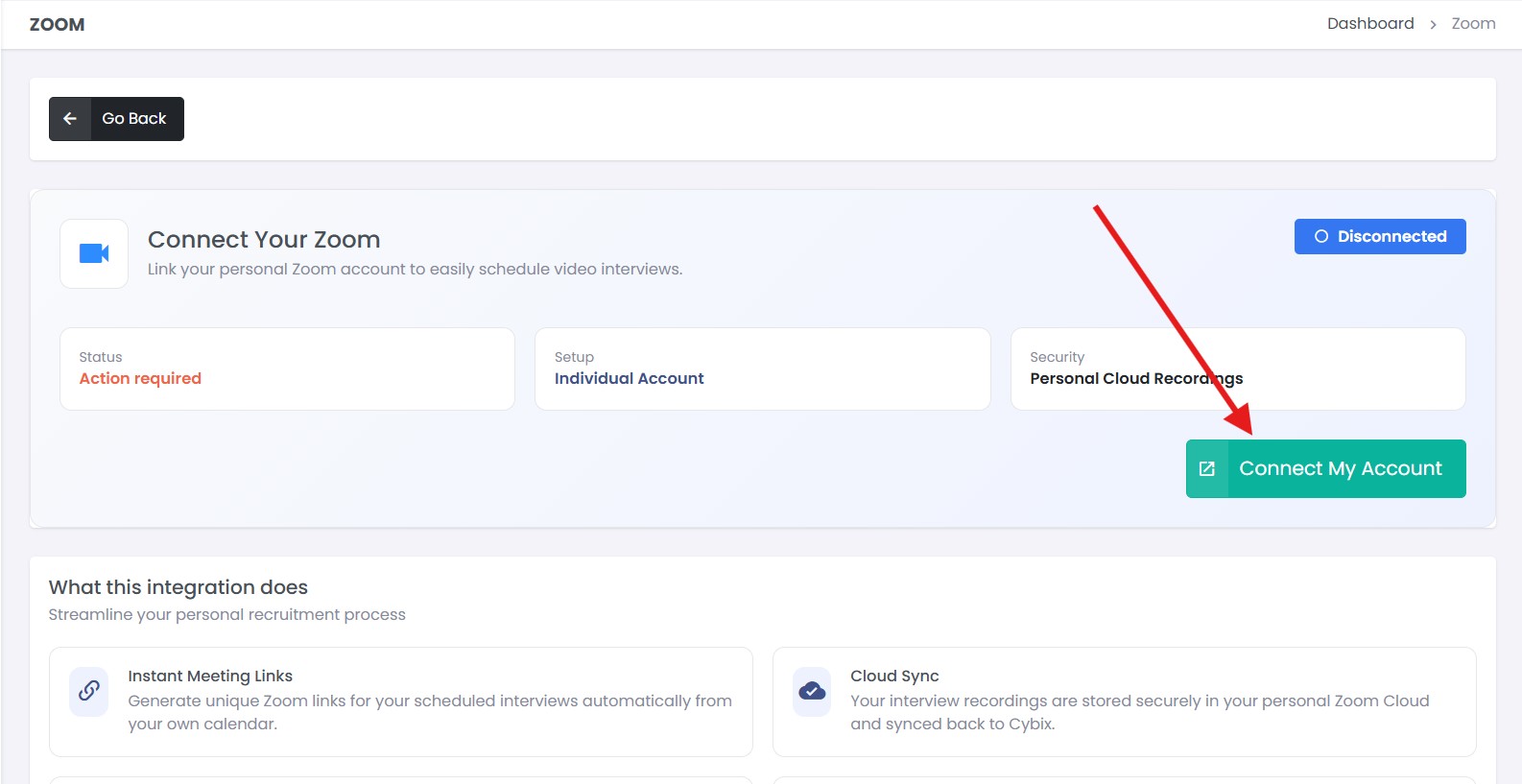
Click Connect My Account. You will be redirected to Zoom to authorize Cybix. After approval, you will return to Cybix and your Zoom connection status will show as connected.
Use Zoom in Cybix
After Zoom is connected, Cybix can create Zoom meeting links from your workspace and keep meeting details available inside Cybix.
Depending on your Zoom account permissions, Cybix may also help sync available recording or transcript links for meetings created through the integration.
Remove Zoom from Cybix
To disconnect Zoom, return to:
Video Meetings → Zoom
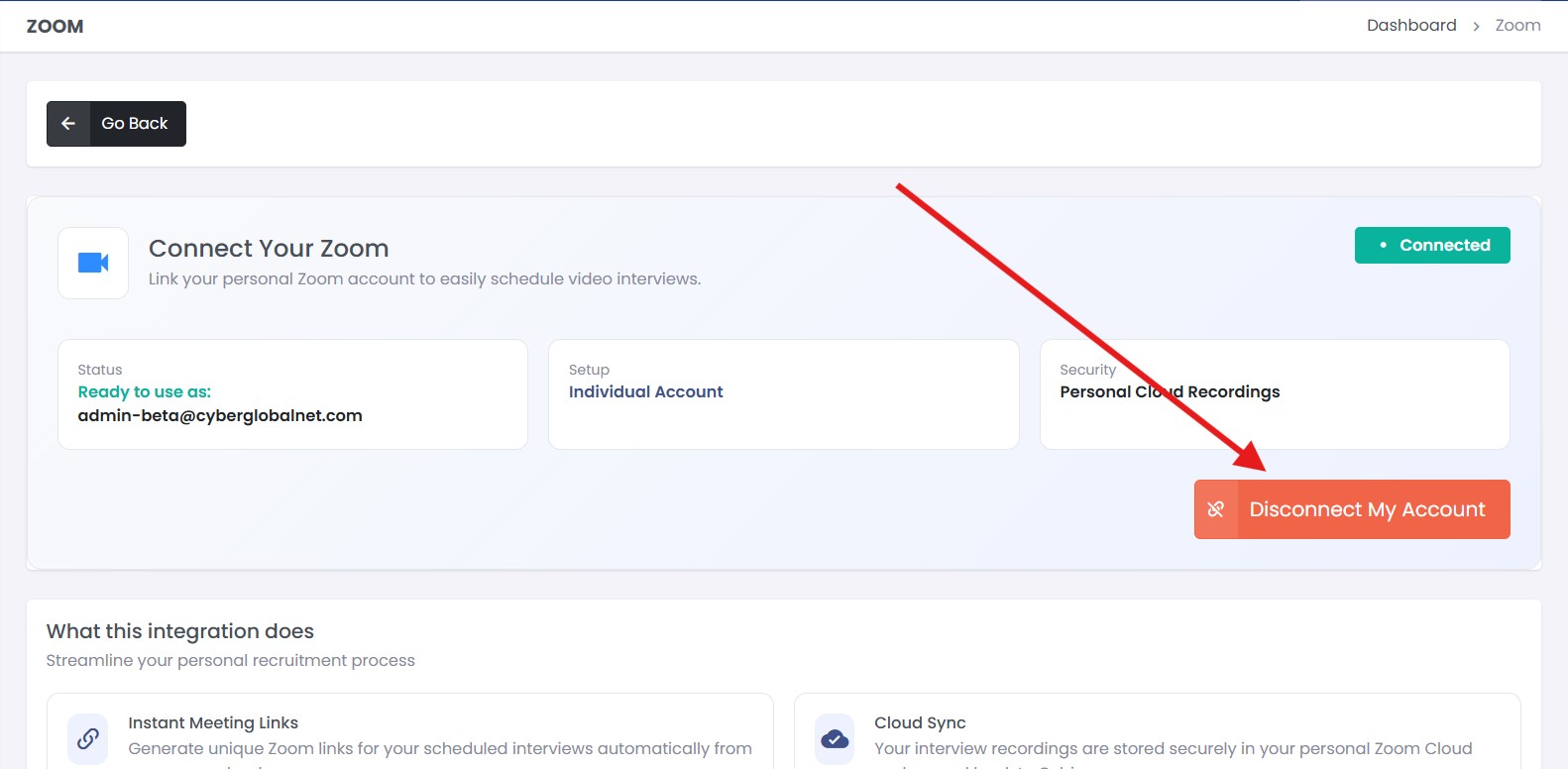
Click Disconnect. This removes the Zoom connection from Cybix and stops future Zoom meeting actions from using your account.
Disconnecting Zoom does not delete existing Cybix meeting records. You can reconnect Zoom at any time by clicking Connect My Account again.