
Categories
 Agentic Ailune
 Profile
 Contacts
 Notes & Cloud Files
 CRM
CRM Billing
 Quote Flow
 Tasks
Tasks ClockEase & Payroll
 Phone Hub
 Booking Hub
 Fleet Hub
 HireFlow
 Cybix AI
 Connect
 Administration
 Sales & Operations
 Video Meeting
- Cybix App
- About the development company.
- About my Membership
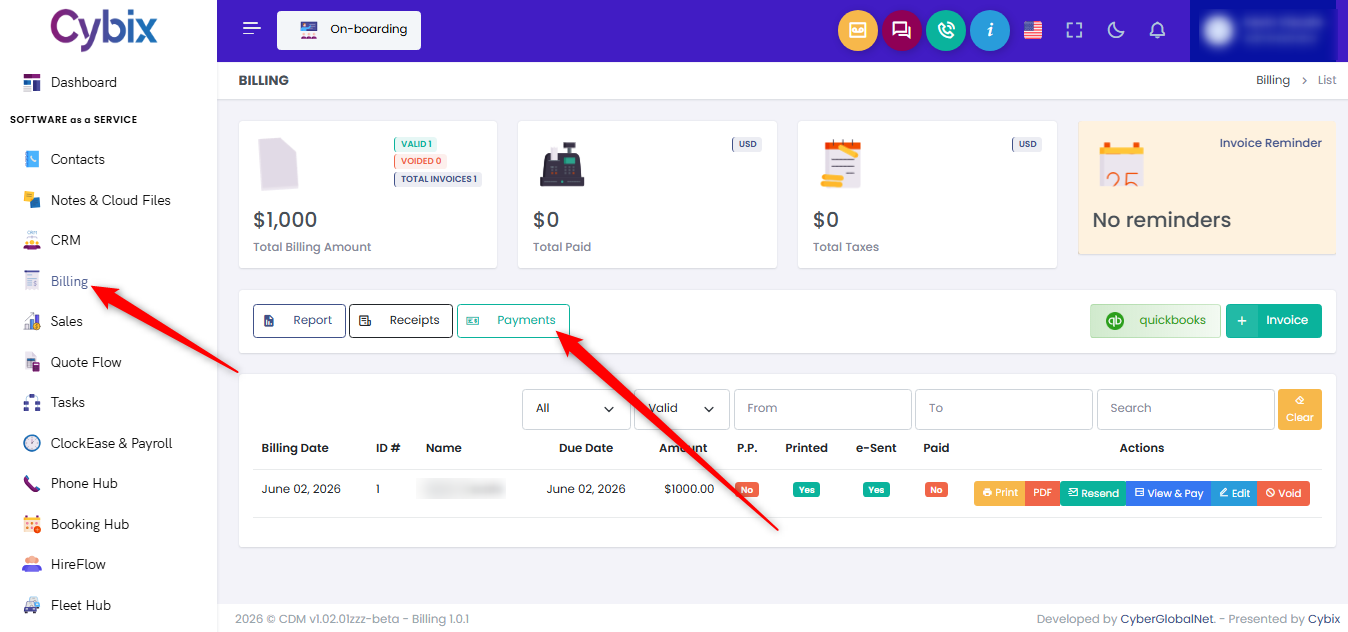
From the left sidebar, select the “Billing” module. Click the “quickbooks” button on the right side of the screen.
You can use the filters at the top of the page to quickly find specific invoices. Filter the list by customer, status, or date range to narrow down the results and locate the invoices you want to import.
Each invoice includes an Import As section where you can define how the QuickBooks customer should be imported into Cybix. Select the appropriate entity type (Person or Business) and choose the corresponding customer category before importing.To import invoices, select the checkbox next to each invoice you want to import. If you want to import all invoices currently displayed, use the checkbox located in the table header to select them all at once.
After reviewing your selections and import settings, click the “Import Selected” button in the upper-right corner of the page. Cybix will process the selected invoices and create the corresponding records within the system.
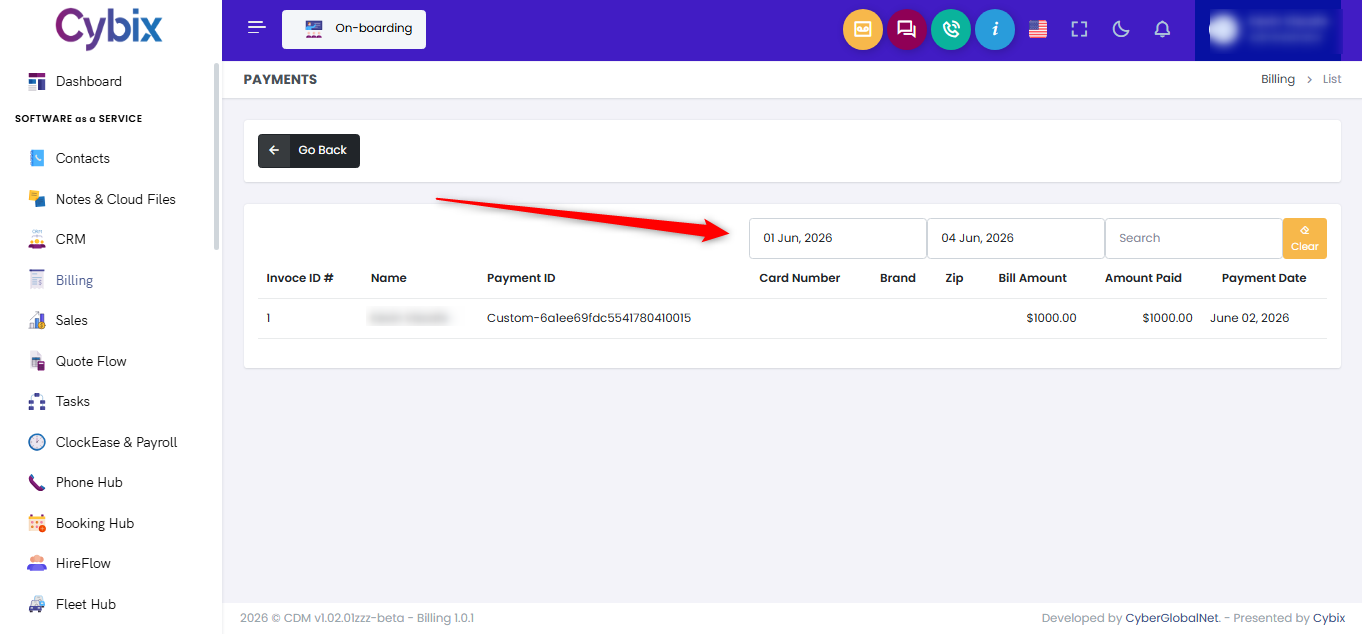
Once the import is completed successfully, the invoices will be available in your billing records and can be managed directly from Cybix.